


Do you have a brochure, magazine, or presentation you want to share online? Think about your readers flipping your content on their devices as if they were reading a real book. This engaging way to share documents is called a flipbook. It is a great way to impress your audience and make your digital materials more interactive. You may think creating a flipbook is expensive or difficult. Good news! You can make these amazing online flipbooks for free.
There are many great tools available to convert your existing PDFs into beautiful flipbooks for free. This means you can upgrade your digital content and provide a better experience to your readers at no cost. In this blog, I will show you how to create this interesting flipbook. I will discuss a convenient tool that is easy to use and provides clear instructions.
How to Create Your FREE Flipbook: A Simple Guide
The process is usually simple for most flipbook maker tools. Here are step-by-step instructions:
- Prepare Your PDF: First, make sure your document is ready as a PDF file. Check for any errors, ensure good image quality, and finalize your design.
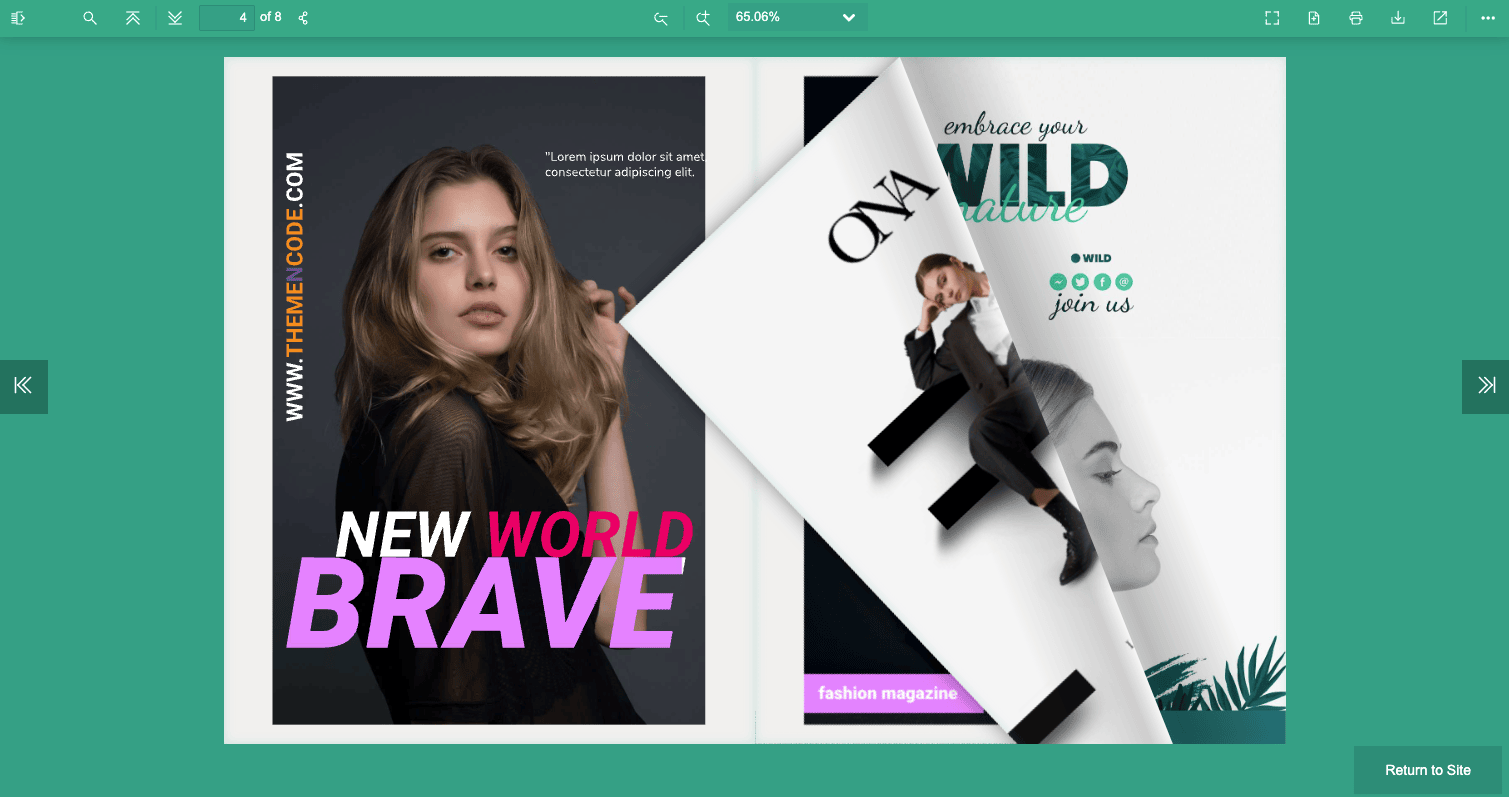
- Choose Your Tool: You will find many free flipbook maker tools online. Choose one of the free convenient tools. According to users, creating a free flipbook with PDF FlipBook is very easy. Here I am using PDF Flipbook.

- Go to PDF FlipBook, Sign Up & Log In: Open your web browser and visit pdfflipbook.com and register on this website. After signing up, log in to your account.

- Access Dashboard: After you log in, you will access the main dashboard.

- Upload Your PDF: See the button that says “PDF File”? Click on it. Pick the PDF file from your computer that you want to make into a flipbook. PDF FlipBook will do the rest.

- Customization: You will get toolbar elements for your flipbook settings. You can customize the background, add a logo, or choose a theme.
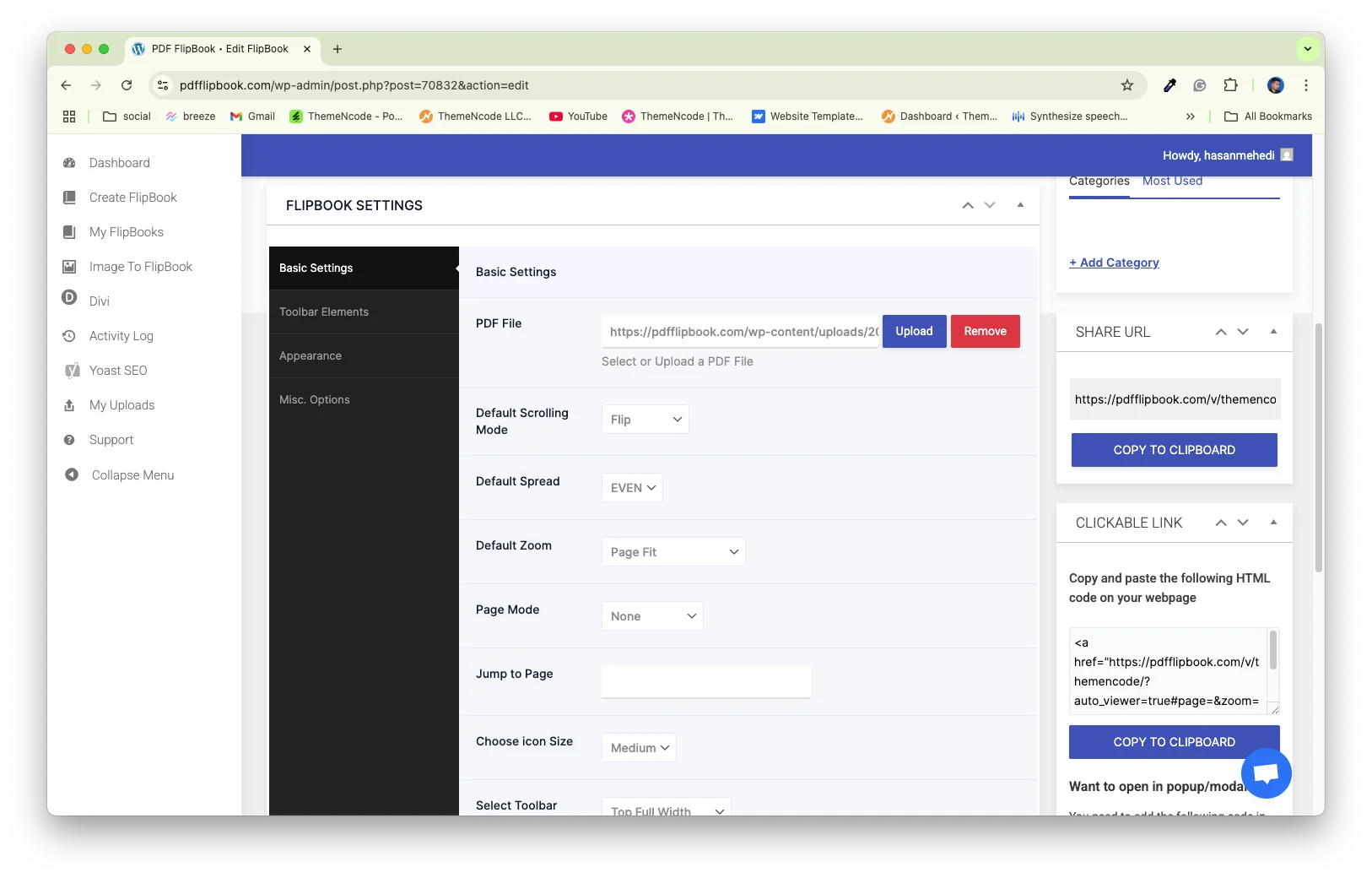
- Publish and Share: Once you are happy with your flipbook, hit the “Publish” button. It will give you a link to share your flipbook. You can also often get embed code to put it directly on your website.

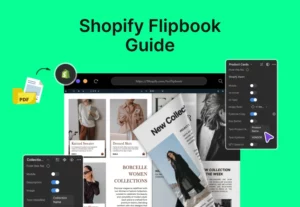
The same flipbook tool is also available for Shopify users as well. Click here to learn more about it.
Key Features to Consider in a Free Flipbook Maker
When you pick a free tool to make flipbooks, look for a few important things. First, make sure it turns your PDF into a flipbook clearly. The text and pictures should look sharp, not blurry. The tool should also be easy to use. Check if you can share your flipbook easily with a link or put it on your website.
Make sure it looks good on phones, too. Free tools might limit how much you can change the look, like colors or adding your logo. They also often have a page limit. Pick a tool that fits your document size. Finally, see if the tool adds its own name or logo to your flipbook.
Tips For Creating Awesome Flipbooks
To make your flipbook impressive, follow these tips:
High-Quality PDF: Start with a well-designed, high-resolution PDF. Good source material leads to a great flipbook.
Clear Call to Action: If your flipbook promotes something, tell your readers what you want them to do next (e.g., “Visit our website,” “Buy now”).
Optimize for Mobile: Always check how your flipbook looks on a smartphone. Most people will view it on their phones.
Use Visuals: Break up text with compelling images, graphics, and even short videos if your tool allows.
Simple Background: Choose a background that makes your content easy to read and looks nice. Simple backgrounds often work best.
Use Clean Titles: Just like in your PDF, make sure your flipbook has clear titles so people know what they are looking at.
Common Challenges & How to Fix Them
Sometimes, you might run into small problems when making your flipbook. For example, if your flipbook loads slowly or if the pictures and text look blurry, your original PDF file is probably too big. Always try to make your PDF file smaller before you upload it. Make sure your original document has clear, sharp images and text.
Always test your flipbook on a phone to make sure it looks good there, as some tools work better on mobile devices than others. The free versions have fewer options. If you need advanced features, you may need to consider a paid plan or another professional solution.
What Can You Turn Into a Flipbook?
You can transform almost any document into a beautiful flipbook, including:
- E-magazines and E-books: Give your readers a true magazine or book experience online.
- Brochures and Catalogs: Showcase your products or services in an attractive, easy-to-browse format.
- Presentations: Make your slides more engaging for online audiences.
- E-commerce: E-commerce websites can use it to display their product catalog, invoices, and promotional flyers.
- Portfolios: Present your creative work in a modern and interactive way.
- Reports and Manuals: Make lengthy documents more digestible and user-friendly.
- Menu Showcase: Restaurant owners can put their menus online for customers to see.
Conclusion
Now you have everything you need to create amazing flipbooks online for free. We have explained to you why flipbooks are better than regular PDFs and what types of documents you can use them with. We also showed you the best free tools and simple steps to create your own. We gave you tips to make your flipbook look great and easy ways to fix any common problems.
Don’t let your content stay boring. It’s time to make your brochures, magazines, or presentations exciting. Just pick a tool, upload your document, and watch your pages flip. Your readers will really enjoy this interactive way to see your content. Start making your impressive flipbooks today.




0 Comments