


Do you need a flipbook tool that won’t require any download and is free of charge? A free flipbook maker solution lets you create the perfect flipbook without spending any money. You can make your website fun and reduce marketing costs. You can create brochures, catalogs, magazines, flyers, portfolios, flipbooks, presentations and more purposes.
You will find plenty of free flipbook makers online. Today, I will show you one that is the most convenient to use. That is PDF FlipBook. The best part is it’s completely free. This guide will show you how to use this free flipbook maker. You’ll learn how to add these fun flipbooks to your website in just a few easy steps.
What Do You Need to Create a Free Flipbook?
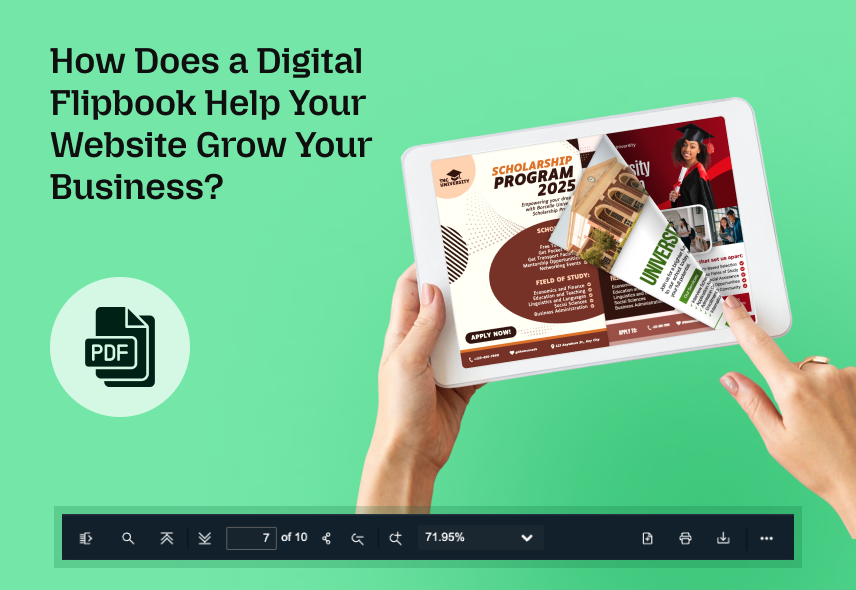
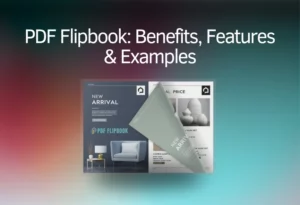
Flipbook transforms any PDF document into an actual book. It improves the overall viewing PDF experience and is more attractive for users. You can make flipbooks for absolutely free. It can be embedded on websites. To create a free flipbook, you need some basic resources: PDF files and a flipbook creator tool.
How to Design a Perfect PDF for Flipbook for Free?
I highly recommend using Canva to create a PDF for your flipbook. First, go to Canva and sign up for a free account or log in if you already have one. Canva has many free templates to choose from. Click on “Create a design” and choose a template. You can set a custom size or resolution for your specific needs. Now, you can start designing your PDF by adding text, images, and shapes. Canva has many free design tools.
You can also upload your pictures. You can change the font, colors, and layout to make your design perfect. Once you are done with your design, it’s time to download it as a PDF. Choose “PDF Standard” for regular use and minimize the file size as much as possible to optimize it for flipbook. That’s it!
Note: If your PDF is still too large, use free tools like Smallpdf or ILovePDF to compress it. Avoid using too many high-resolution images to keep the file lightweight and ensure a smooth flipbook experience.
How to Make a Free Flipbook?
While there are plenty of free flipbook makers out there, the simplest and easiest one is PDF FlipBook. Here is the step-by-step guide:

- Sign Up – First, register on the website.
- Log In – After signing up, log in to your account.
- Go to the Dashboard – Once logged in, you will see the main dashboard.
- Create a Flipbook – Click on “Create Flipbook.”
- Add Title – Add a title for your flipbook.
- Upload Your PDF – Select and upload the PDF file you want to turn into a flipbook.
- Settings – You will find the toolbar elements for your FlipBook settings. You can choose a theme, logo, favicon, custom color, and many more for your flipbook.
- Publish – After completing all this, add a feature image and click Publish.
- Done – The website will automatically convert your PDF into a flipbook and you will get an embed code.
The same flipbook tool is also available for Shopify users as well. Click here to learn more about it.
How to use the Flipbook?
You will see all your flipbooks listed after creating your flipbook. All you need to do is click on COPY IFRAME CODE TO CLIPBOARD, and the embed link will be copied. Then, you can paste it wherever you want, and your flipbook will be accessible from there. You can adjust settings as needed before finalizing your flipbook.

What are You Getting with This Flipbook Maker Tool?
PDF FlipBook has many useful features to help you create and share digital flipbooks. Sharing is easy with short links or embedded options. You can change the background, pick from different themes and control how viewers interact with your flipbook. It works well on mobile devices and is compatible with every browser.
It also includes page-flipping sounds, different page spreads, zoom options, bookmarks and more features. You can share your flipbook on social media and choose from over 100 viewer languages. However, the free plan does not allow images to Flipbook, and you cannot add or remove a branding logo. All other features are available for free.
Why Should You Select PDF Flipbook?
PDF FlipBook is a great free tool for creating flipbooks. It has all the important features you need to make a flipbook that looks professional. Restaurants, cafes, and cloud kitchens can use it to display their menus in a way that feels just like flipping through a real one.
Those who are seeking jobs and artists can create resumes or portfolios that stand out and look more interesting. Families can turn their vacation or event photos into a digital photo album to keep and share special memories. Whether for work or personal use, PDF FlipBook is an easy, free and fun way to share content.
Use Cases of Flipbooks
So, who is it for? PDF FlipBook makes sharing content simple, fun, and free.
- This is for restaurants that want to put their menu online so customers can see it.
- It’s for the pubs & bars that want their upcoming event flyer online.
- Job seekers can showcase their resumes and portfolios.
- Photographers and artists can present their work in a professional format.
- E-commerce websites can use it to display their product catalog, invoices, and promotional flyers
- If you want to bring out memos, user manuals, PDF, circulars, notices, and annual financial reports.
- Teachers and students can organize study materials, notes or projects in a neat and easy-to-read format.
Conclusion
PDF FlipBook allows you to create professional flipbooks quickly. Whether you run a business or share content creatively, you’ll get a digital experience. You can showcase menus, catalogs, portfolios, brochures, and more in a way that looks polished and professional.
PDF FlipBook makes content sharing simple and accessible. In just a few clicks, you can customize your flipbook and embed it on websites. Anyone can do it for free from anywhere.




0 Comments