

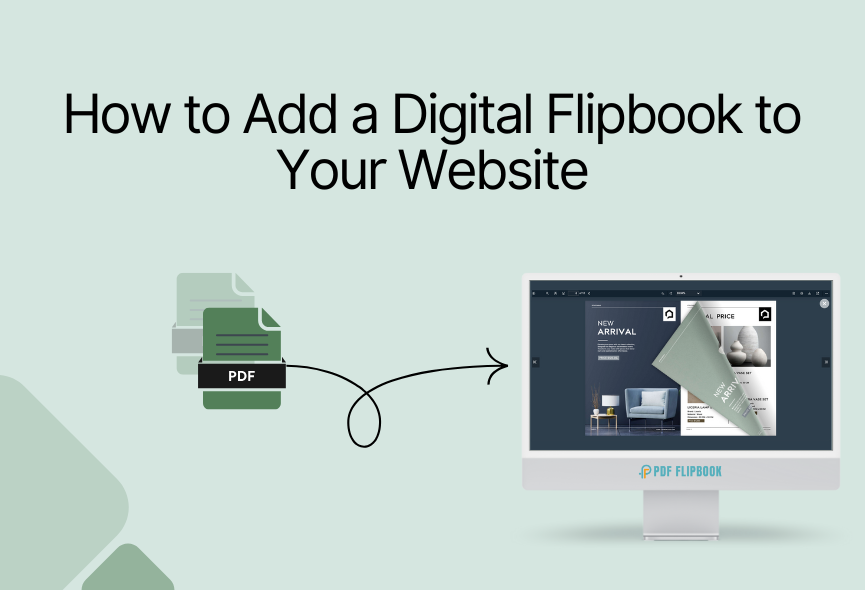
Digital Flipbook is a virtual page-turning effect. It helps brands, educators, and creatives connect, engage, and convert. Standard PDFs or downloadable documents no longer stand out in a world awash with sleek interfaces and interactive media. You will see sleek interfaces and interactive media everywhere. So your standard PDF or downloadable document isn’t enough.
An interactive flipbook experience allows you to display stories, portfolios, brochures, and more. You will also get the feeling of reading the entire book as if you were reading a real version. As viewers expect richer digital experiences, flipbooks have become an effective way to make content more dynamic. If you run a business, organization or creative studio, a digital flipbook on your website can modernize your content. Now let’s see how to add a digital flipbook to your website.
What Makes Digital Flipbooks Unique?
Digital flipbooks are a fully interactive publishing experience. Some advantages include:
Rich Media Integration: Add video, audio, slideshows, interactive pop-ups and even CTAs for multimedia storytelling.
Brand Recall: The joy of flipping through the virtual book helps viewers browse for longer periods and improves their memory.
Accessibility: Modern platforms focus on mobile responsiveness and accessibility compliance. This expands your audience reach.
Lead Captures: Many services offer dashboards to track engagement and lead generation. You will automatically get more attention due to the unique digital publication.
Step 1: Creative Planning & Vision Before Execution
Before creating your flipbook, consider:
- Storyboarding: Planning your content sections, interactive spots, preferred media and navigation flow.
- Content Segmentation: Determine whether your material would work best as a single flipbook, or as a series, magazine issue or themed brochure.
- Branding Assets: Gather brand assets like logos, icons and palettes and plan their strategic placement in your flipbook.
Step 2: Digital Flipbook Platform Selection
Every flipbook platform has its strengths. Let’s explore a convenient platform:
- PDF FlipBook: PDF FlipBook gives you more control and customization options. This platform is secure because you get more access to password protection, download Zoom hide and more useful toolbar elements.
- FlippingBook: Known for business-grade analytics, password protection, and professional templates.
- FlipHTML5: Offers deep interactivity interfaces. It includes animation features and SEO optimization.
- Flipsnack: Excels at real-time collaboration and making shoppable catalogs and private unlisted options.
- Issuu: Focuses on reach and distribution. This makes it easy to share your flipbook everywhere.
Step 3: Designing a Digital Flipbook
- Custom Elements: Add clickable chapter navigation, quizzes, shopping carts or custom forms.
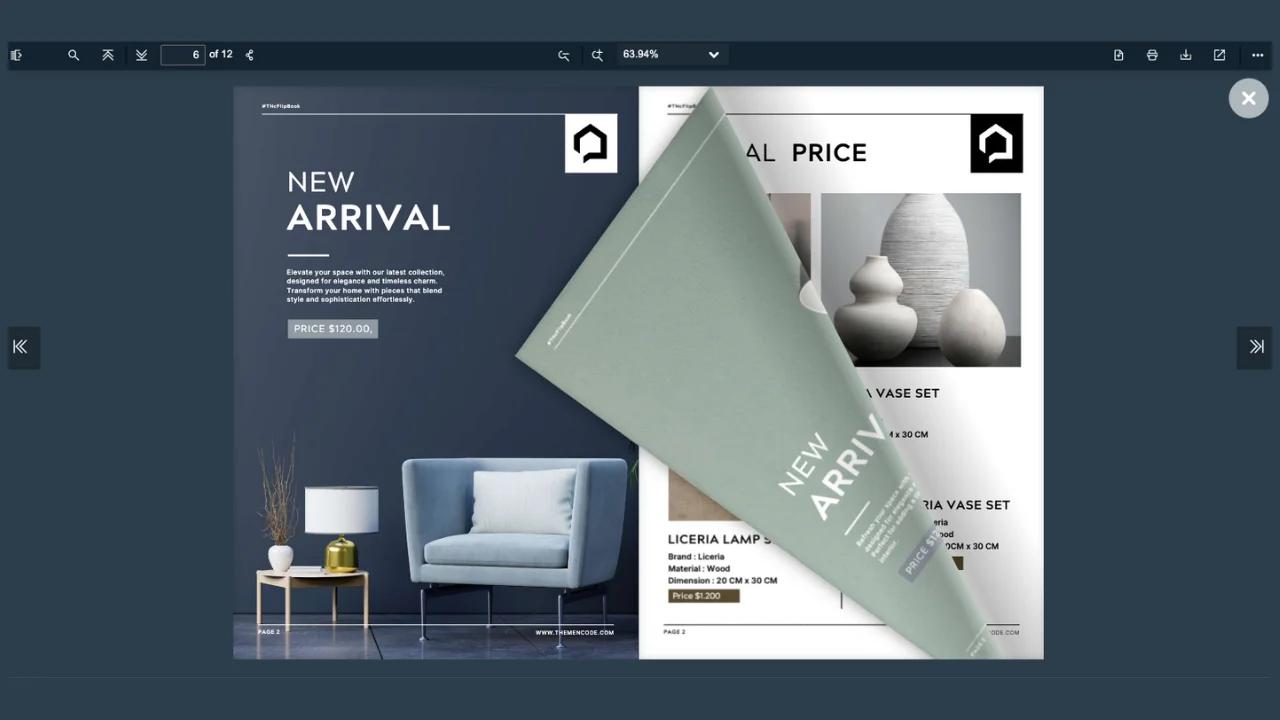
- Animations & Transitions: Choose between 3D page curls, sound effects, or smooth slides for a tactile feel.
- Infographics & Graphics: Integrate original graphics, infographics, or SmartArt for extra clarity and appeal.
- Accessibility Features: Use alt text, high-contrast themes, and font scaling for inclusivity.
Step 4: Creating a Flipbook
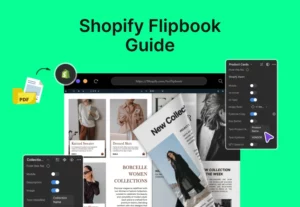
Turning your PDF into a digital flipbook is easy and fun. I chose the PDF FlipBook platform for its wide range of features to create a perfect digital flipbook. You can choose any other if you find it convenient. Here’s how to do it in just a few quick steps:
Upload Your PDF
Select your ready-to-use PDF document (such as a brochure or report) and upload it to the PDF FlipBook platform. The tool will instantly convert it into an interactive flipbook.
Customize Your Flipbook
Make it yours by adding your logo, changing colors, and adjusting settings. You can also add videos, links, and even password protection to keep your content secure.
Preview Your Flipbook
Check how it looks on desktop and mobile devices. Make sure all the pages flip smoothly and all interactive features work well.
Get the Embed Code
PDF Flipbook generates a small piece of code that you can copy and paste into your website. Simply copy the code and paste it anywhere and and your flipbook will be accessible from there.
Optimize and Share
Make sure your flipbook looks great on any device. Share the flipbook link via email or social media to reach more people. Check any available analytics to see how visitors interact with your flipbook.
Step 5: Embedding & Integration Strategies
When you put your flipbook on your website, you can pick how it shows up. It can be right on the page or it can open in a small box. You can also make a button that people click to open it. Another way is to show the flipbook in a bigger box that stands out. These choices help people find and use your flipbook easily.
Make sure your flipbook works well on phones, tablets, and computers. It should change size to fit each screen. You can connect it to tools that help you keep track of who looks at it or buys things after seeing it. To keep it safe, you can ask people to log in. You can also limit who can see it by place or set a time when it will stop working.
Step 6: Optimization for Engagement, SEO &Speed
Make your flipbook easy to find on Google by adding clear titles and descriptions. Use plain text and simple web addresses so search engines can read your flipbook well. For phones and tablets, help your flipbook load faster by loading the cover first. Uses smart loading which saves data and shrinks images without losing quality.
Check how people use your flipbook by connecting it to Google Analytics or using built-in tools. See how many visits, how long they stay, and where they click. Try different designs and button placements to find what works best. Use what you learn to make your flipbook better and get more people to act.
Step 7: Troubleshooting & Maintenance
Your flipbook may not show up. Check if your site uses HTTPS. Make sure you have permissions. Look for script blockers that stop it. Test updates in draft or staging first. Don’t update live right away. Add feedback forms inside the flipbook. Visitors can send you ideas and it helps you improve the flipbook.
Use Cases & Creative Examples
Flipbooks are great for many uses across different fields. They make content more engaging and easy to explore.
- Marketing & Sales: Create interactive catalogs, brochures and product lookbooks to showcase products and drive sales.
- Education: Turn textbooks, course materials, and training guides into interactive, easy-to-use learning tools.
- Events: Share event programs, sponsorship packages, and highlight reels updated in real time.
- Creative Portfolios: Present art, photography and digital magazines with multimedia and smooth navigation.
- Nonprofits: Publish reports, impact stories, and fundraising materials perfectly.
- Customer Feedback: Add polls, surveys, and quizzes inside flipbooks to gather audience opinions.
- Digital Libraries: Organize collections, archives, and back issues for easy browsing.
- Real Estate: Showcase property listings with photo galleries, videos, and virtual tours.
- E-commerce: Create shoppable lookbooks and product catalogs linked directly to online stores.
- HR & Training: Distribute employee handbooks, onboarding materials, and training manuals with interactive features.
Click here to see some beautiful digital flipbooks
Final Inspiration
A good flipbook changes boring PDFs into easy and enjoyable stories. It keeps visitors interested and makes your website look better. All you need to do is choose right tool and put the flipbook on your site. You can also help people find it on Google, see who uses it, and control who can view it.
Digital flipbook makes people stay on your website longer. It doesn’t matter if you are sharing a catalog, a brochure, or a portfolio. A digital flipbook makes your content easy to see and looks good on any device. You can easily create modern digital flipbooks by following the simple steps outlined in this article.






0 Comments