


Creating engaging content is more important than ever. Although traditional PDFs are still widely used, they can sometimes be static and boring. Flipbooks provide a dynamic and interactive experience that can mesmerize your audience. Imagine your readers flipping through pages of your document, just like an actual book, but with the added benefits of multimedia elements and interactive features.
Creating and embedding a flipbook on your website may seem complicated, but it’s pretty easy. With the right platform, you can have a professional-looking flipbook quickly. Whether you are a marketer, educator, or anyone wanting to share information uniquely, flipbook is the perfect platform to improve your website content.
In this blog, I will cover everything from choosing the right flipbook software to customizing your flipbook and adding it to your website.
Best Platform For Creating Flipbooks
First, choose a reliable flipbook platform. Look for a platform that allows you to embed your flipbooks onto your website easily. Online flipbook makers are the simplest way to achieve this. Next, choose a platform that fits your needs. Many online options exist, so consider cost, features, ease of use, customer support, reviews, and available documentation.
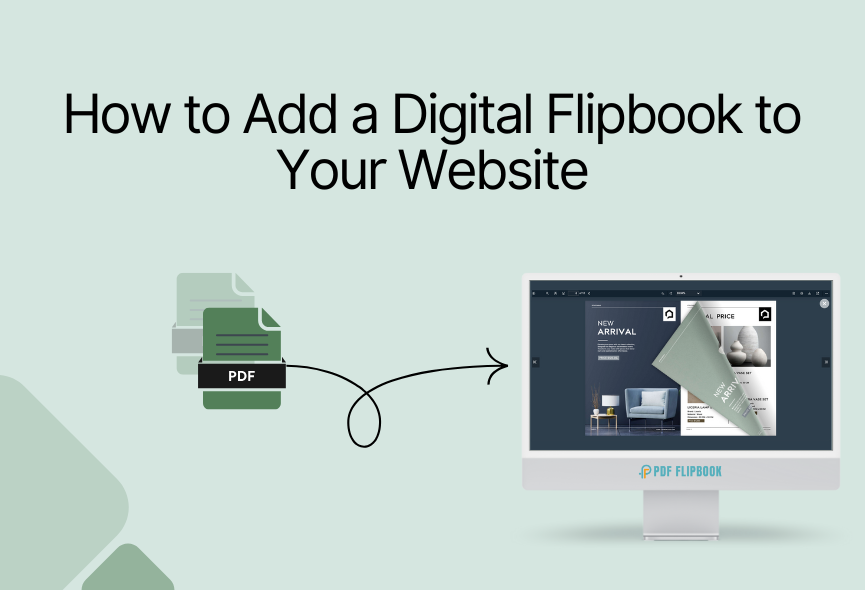
Our research shows that PDF FlipBook is the perfect flipbook maker. Once you’ve created your flipbook, the platform will provide an embed code. Simply paste the embed code anywhere on your website, and it will show your flipbook perfectly.

Create & Embed Flipbook
Visit the website www.pdfflipbook.com and sign up for a subscription plan. You can take free, starter, basic, business, or enterprises. Each subscription has a flipbook creation limit. After completing your account, you will get your dashboard.

Create: To make a flipbook, give a title and select your PDF file. Then, you need to add a feature image for your flipbook, and you’re done. You will find the toolbar elements for your FlipBook settings. You can choose a theme or custom color for your flipbook. You can also upload your logo and favicon for your flipbook and use a background image. After creating a digital flipbook, you will see all the listed flipbooks.

Embed: You will see all your flipbooks listed after creating your flipbook with PDF FlipBook. Then, all you need to do is click on COPY IFRAME CODE TO CLIPBOARD, and the embed link will be copied. Then, you can paste it wherever you want, and your flipbook will be accessible from there.

Customize Your Flipbook
PDF FlipBook offers all the customizable options that make your flipbook more attractive. Let’s look at some of the best options:
- Default Zoom: Various zoom levels are possible with PDF FlipBook. Select the one that suits your website
- Page Mode: You can select even or off as the page mode. It depends on your demand.
- Jump to Page: Put a number here, and your PDF will start on that page.
- Icon Size: You will get three different icon sizes. Choose the one you like.
- Toolbar Style: There are four positions where you can show your Toolbar.
- Viewer Language: PDF FlipBook offers you with more than one hundred languages for the FlipBook
- Toolbar Elements: You can turn all the elements on or off according to your need
- Appearance: The viewer has six pre-defined themes, and you can create a viewer with your custom color too.
Common Use Cases for Flipbooks
Flipbook is a perfect platform with a wide range of applications. Here are some common ways to use Flipbook.
- Digital Marketing: Product catalogs, brochures, and interactive presentations.
- Education: E-books, textbooks, and interactive lessons.
- Real Estate: Virtual property tours and property listings.
- Corporate Communications: Annual reports, employee handbooks, and company presentations.
- Lead Generation: Use flipbooks as lead magnets to capture valuable information from potential customers.
- Property Listings: Showcase property listings with detailed descriptions, high-quality images, and interactive floor plans.
- Digital Magazines and Newsletters: Transform static PDFs into interactive digital publications.
- Research Papers: Present complex research findings in a visually appealing and easy-to-understand format.
Why Flipbook is Important For Any Website
Flipbooks can make your website more engaging and effective. Here’s how:
- Professional Presentation: Flipbooks offer a professional and polished presentation of your content, helping to improve your brand’s image.
- Social Sharing: Flipbooks can be easily shared on social media platforms, allowing your content to reach a wider audience.
- Device-Friendly: Flipbooks are easily accessible on any device. This allows your audience to enjoy your content on the go.
- Interactive Elements: Flipbooks can include various interactive elements that make them more engaging.
- Marketing Benefits: You can create brochures, catalogs, and product guides, which are shareable on websites, social media, and email campaigns.
- Improve SEO: Rich, engaging content helps your website rank higher in search engine results.
Conclusion
You can create and embed charming flipbooks on your website by following these simple steps. Whether you showcase products, impart educational knowledge or present corporate insights, flipbooks offers a perfect platform to promote your content. It improves user engagement, brand reputation and optimizes search engine visibility.
PDF FlipBook allows you to convert your PDFs or images into beautiful digital flipbooks with just a few clicks. Simply customize the flipbook to match your brand and website content and embed it on your website. Nowadays, most people prefer flipbooks, similar to traditional publications but with many more valuable features.
Apart from this, If you want to read more blogs, visit here.







0 Comments