

Key Takeaways
- A PDF flipbook transforms static PDFs into interactive, book-like digital publications.
- Flipbooks offer features like page-flip effects, videos, links, and analytics that PDFs lack.
- They are easy to share via links, embed on websites, SEO-friendly, and mobile-ready.
- Businesses, educators, and creators use flipbooks for catalogs, reports, menus, and more.
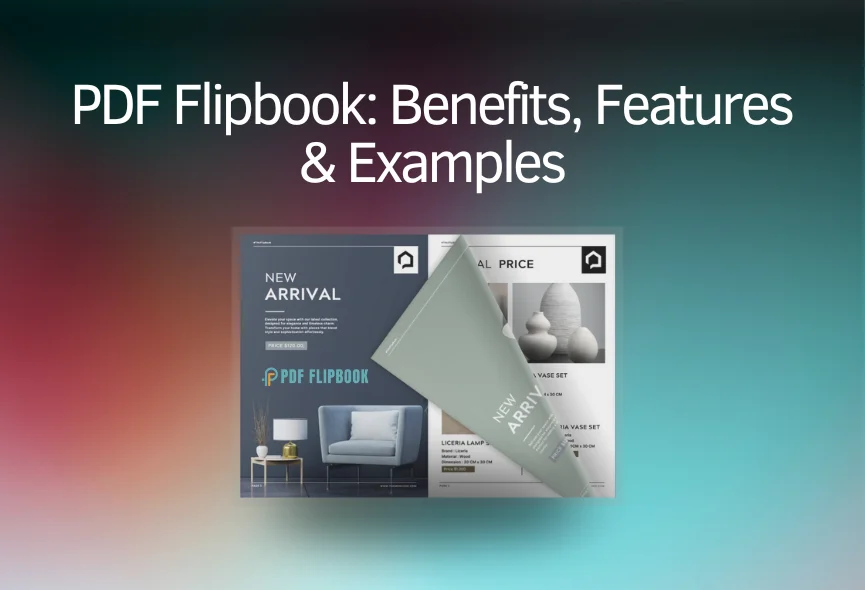
A flipbook is an interactive online publication that looks like a real book with pages you can flip. It’s made from a PDF and can be shared with a link or put on a website.
What is a Flipbook?
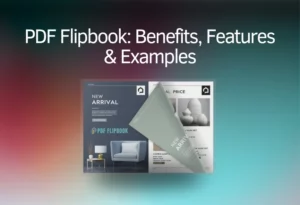
A flipbook is a digital publication that acts like a printed document, catalog, or book, complete with pages that rustle when turned and realistic shadows. Unlike traditional PDFs, flipbooks are designed to be interactive and engaging, often including elements like page-turning sounds and shadows. Many companies and industries are starting to use flipbooks because of their potential for marketing and sales. Flipbooks were first introduced in the late 1990s and early 2000s, offering a new way for businesses to connect with their audience.
Flipbooks vs. PDFs
Flipbooks offer several advantages over traditional PDFs, making them more engaging and user-friendly.
Interactivity and Engagement
Flipbooks provide a richer and more interactive experience than PDFs. You can add videos, GIFs, interactive forms, surveys, and even pop-up galleries to a flipbook, which are not possible with printed catalogs. This interactivity helps boost engagement and makes content easier to understand. In contrast, PDFs are static files that primarily allow for scrolling and text searches. Some platforms also allow for responsive content that adjusts to different screen sizes, which is a big plus for mobile users.
Sharing and Accessibility
Sharing flipbooks is much easier than sharing large PDF attachments. You can send a direct link via email or social media, or embed the flipbook directly into a website. Flipbooks load quickly, with some loading in an average of 1.5 seconds, which means more people are likely to engage with the content. This ease of sharing extends to offline methods, as QR codes can be used to provide instant access to promotional materials. Unlike PDFs, which often require downloading, flipbooks can be viewed instantly online without any download time. They are also accessible across all devices and display smoothly without needing extra plugins or installations.
Analytics and SEO
Flipbooks offer valuable insights into reader activity that PDFs cannot. With flipbooks, you can track how long people stay on your content, which articles they view, and which links they click. This information helps marketers understand their audience better and improve their content strategies. Additionally, flipbooks can improve search engine optimization (SEO). Search engines can scan flipbooks page by page, making them appear in search results within days if public mode is enabled. Tools often allow you to add keywords, titles, and descriptions to enhance searchability.
Customization and Branding
Flipbooks can be customized to match your brand’s image with custom backgrounds, color palettes, and clickable logos that link back to your website. This helps maintain brand consistency and provides easy navigation for interested readers. Advanced features like customizable lead forms and teamwork options are also available.
Security and Updates
Flipbooks offer various content protection options, such as restricting sharing, password protection, and limited embedding. For internal corporate documents, viewing can be restricted to specific logged-in readers. If a flipbook needs updating, changes can be made easily without changing the original link, ensuring everyone always sees the most current version.
How to Create a Digital Flipbook
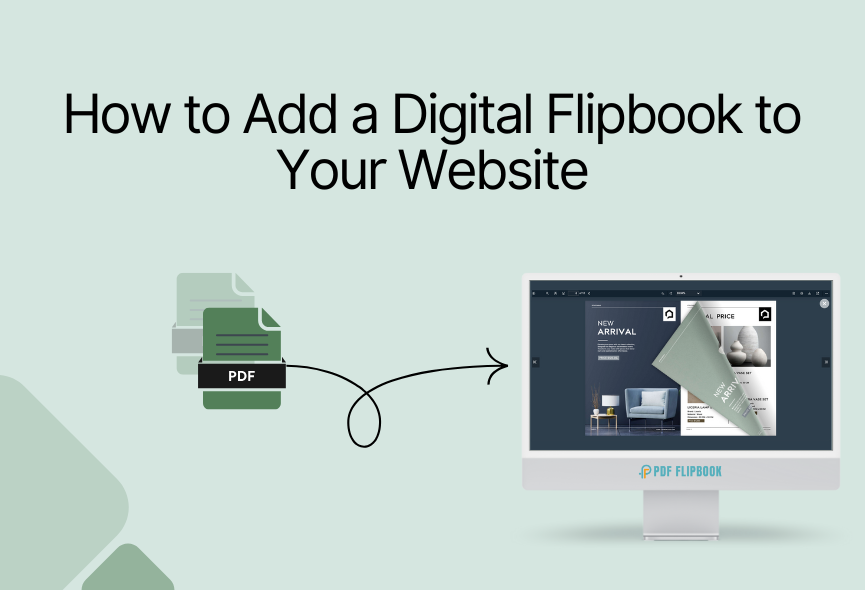
Creating a digital flipbook is a straightforward process. Generally, it involves converting a PDF file into an HTML5 flipbook.
Basic Steps
- Prepare a PDF: Start with a PDF document.
- Use a Flipbook Platform: Create an account with an online flipbook service like PDF Flipbook.
- Upload and Convert: Upload your PDF to the platform, which will convert it into a flipbook.
- Customize (Optional): Personalize the flipbook with custom backgrounds, logos, and interactive elements.
- Share: Share the completed flipbook via a direct link, embed it on a website, or share it on social media.
Content and Design Considerations
- Content: Ensure your content is informative, easy to read, and supported by relevant photos, videos, infographics, or graphs. Videos, for example, can be especially useful for technical information or step-by-step guides.
- Design: A clean and visually appealing design is crucial for reader comprehension and impression of your organization. Integrate your brand’s color palette and logo, and tailor the design to your target audience.
Who Can Benefit from Flipbooks?
Many individuals and businesses across various industries can benefit from using digital flipbooks.
Examples of Users and Uses
- Marketers: Can track content engagement and create multimedia experiences with embedded videos and links.
- Salespeople: Can monitor lead activity and follow up at the right time.
- Educators: Can send interactive learning materials, saving on printing and shipping costs.
- Real Estate Agents: Can present digital listing presentations and collect client details through lead forms.
- Restaurant Owners: Can create digital menus for a touch-free experience and promote their business.
- Creators and Photographers: Can showcase their portfolios online.
- Corporate Professionals: Can simplify communications with annual reports, business proposals, and employee onboarding materials.
- Travel Marketers: Can create interactive itineraries, brochures, and tour guides.
Types of Documents
Flipbooks can enhance many types of documents, including:
- Catalogs: Easy navigation, pop-up galleries for detailed views, and direct links to product pages.
- Magazines: Look like printed magazines but with added links, GIFs, and videos, plus lead forms for subscriptions.
- Presentations: Catch attention with colorful designs and animated graphs, offering different flow options like one-page flip mode or slideshows.
- Newsletters: Easily consumable when sent as a link, with stats to track reader engagement.
- Proposals: Interactive proposals with trackable links can notify you when they are opened or downloaded.
- Reports: Public reports can be easily edited to keep data up-to-date while maintaining the same link.
- Portfolios: Digital portfolios can be embedded on platforms or shared as links, with QR codes for business cards.
- Brochures: SEO-friendly and easy to share on social media, attracting attention with a lifelike and interactive format.
Conclusion
In summary, a flipbook is a dynamic and engaging way to present your documents online, transforming a static PDF into an interactive experience. With features like realistic page-turning, multimedia integration, and detailed analytics, flipbooks offer a significant upgrade from traditional PDFs. They are highly versatile, benefiting a wide range of users from marketers and educators to small businesses and creative professionals.
By embracing flipbooks, you can enhance user engagement, improve content accessibility, and gain valuable insights into how your audience interacts with your material. This makes them a powerful tool for anyone looking to share information effectively and leave a lasting impression.
FAQ
What is a PDF flipbook?
A PDF flipbook is a digital publication that converts a regular PDF document into an interactive, web-based format that looks and feels like a physical book. It allows readers to “flip” through pages, often with realistic sound and visual effects, and can include multimedia elements like videos and links.
How is a flipbook different from a regular PDF?
Flipbooks are interactive and designed for online viewing with features like page-turning animations, embedded media, and analytics tracking. PDFs are static documents primarily for viewing and printing, and they usually lack interactive elements.
Can I embed a flipbook on my website?
Yes, you can easily embed a flipbook directly into your website. Most flipbook creation platforms provide an embed code that you can copy and paste into your site’s HTML, allowing visitors to view your flipbook without leaving your page.
Are flipbooks good for SEO?
Yes, flipbooks can be good for SEO. Many platforms allow search engines to crawl the text within your flipbook, making your content discoverable. You can also add custom titles, descriptions, and keywords to help your flipbook rank higher in search results.
Can I track how people interact with my flipbook?
Yes, a major advantage of flipbooks is the ability to track reader engagement. You can typically see how many views your flipbook receives, how long readers spend on each page, and which links they click. This data helps you understand what content resonates with your audience.
What kinds of content can I put in a flipbook?
You can put almost any type of content in a flipbook. Common uses include catalogs, magazines, brochures, presentations, portfolios, annual reports, menus, and even newsletters. You can also embed videos, images, GIFs, and interactive forms within the pages.


0 Comments