


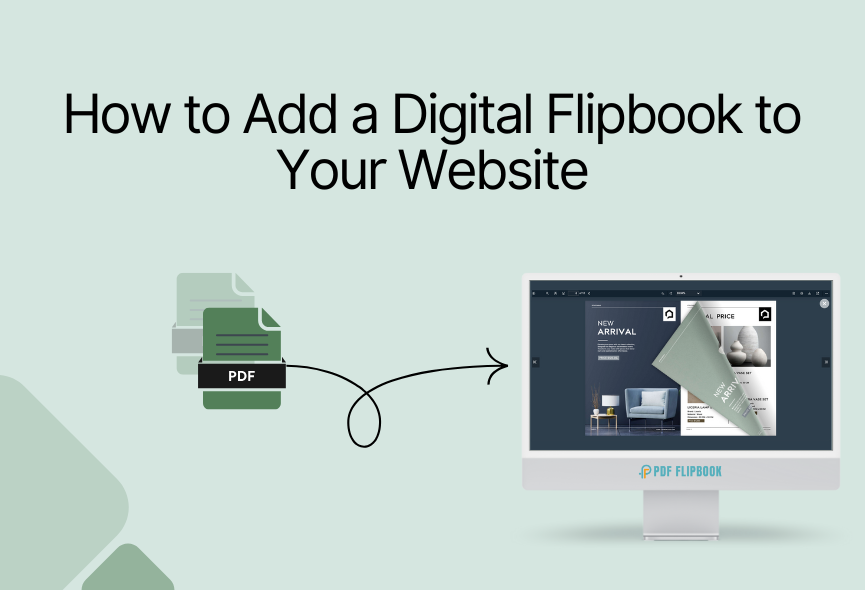
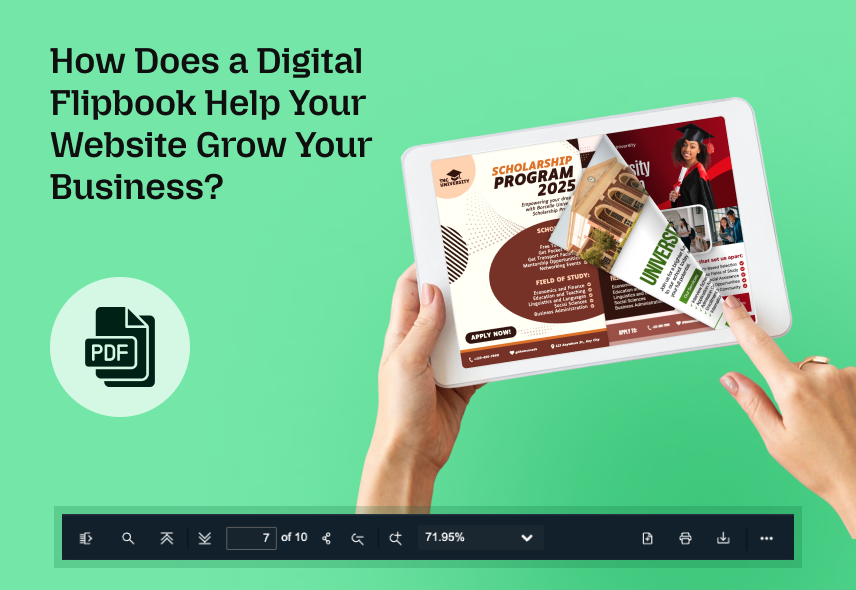
Are you looking to add interactivity and more functionality to your website? An impressive content delivery method for your website is to create a flipbook. Creating a flipbook is a great way to engage your audience and present your content uniquely and engagingly. Imagine transforming your PDF file or static image into a dynamic experience showcasing your products that your customers will love. FlipBook is more readable than regular PDFs, and flipbooks can be easily shared and distributed.
Creating a flipbook from PDF files is now more accessible and easier than ever. In this article, we’ll walk you through creating a flipbook for your website. You don’t need any advanced coding skills or design skills. You can make a flipbook with just a few clicks and easily embed it on your website.
In this guide, I will show each process of flipbook creation and which platform is best for it. I will cover everything from choosing the right platform to customizing your Flipbook and sharing it with the world. So, let’s learn how to convert PDF to Flipbook for your website.
Understanding Flipbooks
First, you need to know what Flipbook is and what it does. A flipbook is a digital publication that looks and acts like an actual book. It allows readers to flip through the pages and interact with its contents. It’s a great way to showcase your website content. Flipbooks are often used as a fun and creative way to display your content in a compact format. These features allow users to explore content in greater detail and interact with it in more meaningful ways.
Whether you are a marketer, educator, business owner, or seasoned designer, creating a flipbook is a great way to highlight your professionalism. You can flip through a digital magazine just like a physical magazine or present a product catalog in a more immersive way with a flipbook.
How to Convert PDF to Flipbook
Always do your research and read reviews from other users before choosing a flipbook tool. We are working with several flipbook tools, but the best one is PDF FlipBook. PDF FlipBook is a cloud platform that converts PDF files and images into flipbooks. Here is a step-by-step guide on how to convert PDF to flipbook.
STEP 1: First you need to visit www.pdfflipbook.com website.

STEP 2: After that, you need to take a subscription and log in. You can take free, starter, basic, business, or enterprises. Each subscription has a flipbook creation limit.

STEP 3: After selecting a subscription, click on the Get started button to get the account creation form. Fill in all the information on this page and create your account.

STEP 4: After creating an account, you will get your dashboard.

STEP 5: Go to the Create FlipBook tab and create your new flipbook here. To make a flipbook, first, you need to give a title for your flipbook. After that, you need to select your PDF file. Then, you need to attach a feature image for your flipbook, and you’re done.

STEP 6: You will find the toolbar elements for your FlipBook settings. You will find download, zoom, print, fullscreen, and many other elements here. You can turn these settings on or off if you want. This will be helpful for your flipbook.

STEP 7: After that you will find the Appearance tab. You can choose a theme or custom color for your flipbook. There are six predefined themes for you. After that, you will get a logo and a favicon. You can upload your logo and favicon for your flipbook. A logo will appear at the top right of the viewer page. Then, you will get the option to use a background image. You can use the background image for your flipbook if you want.

After creating a flipbook, you will see all the listed flipbooks. All you need to do is click on COPY IFRAME CODE TO CLIPBOARD, and the embed link will be copied. Then you can paste it wherever you want, and your flipbook will be accessible from there.
How to Convert Images to Flipbook?
You can also easily convert images into a flipbook. To do this, go to the Image to Flipbook tab. After that, upload and select the images you want to display and make an amazing flipbook with them. In this tab, you will find settings like Page Size, Margins, Page Layout, Image Sizing, and Actions. After finishing all this, click Convert PDF, and you are done.
You can choose the background color, add a cover page, and even include a title and description. These customization options give your flipbook a unique touch. Take your time to perfect the layout and sequence.
Read this blog for more information: How to Make a FlipBook from Images
Why Convert PDFs to Flipbooks?
You need to know why you should convert PDF to Flipbook. Converting PDF to flipbook offers several compelling reasons and benefits. Here are some reasons you might want to convert your PDF to a flipbook.
- Better Engagement: Flipbooks are interactive, allowing users to flip through pages as if reading a physical book. This tactile experience engages readers and encourages them to explore your content thoroughly.
- Device-Friendly: Flipbooks are designed to be responsive and ensures they work smoothly on various devices. This responsiveness provides a seamless reading experience for all users.
- Marketing Benefits: Flipbooks can be used effectively for marketing purposes. You can create brochures, catalogs, product guides, and more, making them visually appealing and shareable on websites, social media, and email campaigns.
- Content Modernization: Converting PDFs to flipbooks is a modern and innovative way to present your content. It can help your website stand out and showcase your commitment to delivering a top-notch user experience.
- Improved Accessibility: Flipbooks often provide better accessibility features than static PDFs. Users can adjust font sizes, zoom in on content, and access multimedia elements more easily.
Core Functionality of PDF Flipbook
There are many useful features included in PDF FlipBook. Here, I will show the Top features:
- Password-Protected PDF: If you have a password-protected PDF, it will ask for the password before showing the PDF. Your visitors can fill out the forms if the PDF contains a fillable form. All the links inside the PDF will be clickable and will work perfectly.
- Share on Social Networks: Sharing your PDF on social media couldn’t be easier. Just one click will share the PDF file.
- Embed Protection: You can protect your links from sharing on other websites. There is a protection option that allows your PDF to be embedded only on your website.
- Easily Customizable: Customizing the FlipBooks is very easy. You can show or hide any toolbar options that you want.
- Responsiveness: Its responsive design easily adapts to different screen sizes, orientations, and resolutions, ensuring your flipbook looks and works in any field. So you can ensure your audience can enjoy your interactive content across all devices.
- Toolbar and icon size: PDF FlipBook offers different toolbar options and icon sizes.
You can watch our video tutorial and subscribe to our YouTube channel for more videos
Conclusion
You can take advantage of this innovative approach to a content presentation by choosing the perfect flipbook maker. Simply customize the flipbook to match your brand and website content and embed it on your website. Creating static PDFs into interactive experiences can engage your audience, increase product exposure, and ultimately increase sales.
Whether you are a content creator, marketer, educator, or business owner, flipbooks can help you present information more engagingly and effectively. This is a powerful solution for businesses and individuals who want to engage their audience and share their content effectively.
Apart from this, If you want to read more blogs, visit here.






0 Comments